

Where to watch usage
Workspace → Billing → Plan. The plan card shows the plan, its status, and the rate. Below it, each metered feature gets its own cell showing:- The feature icon and label.
- The reset window: Resets
<date>. - The count for the current period.
- The rate, for example
$1.50 each.
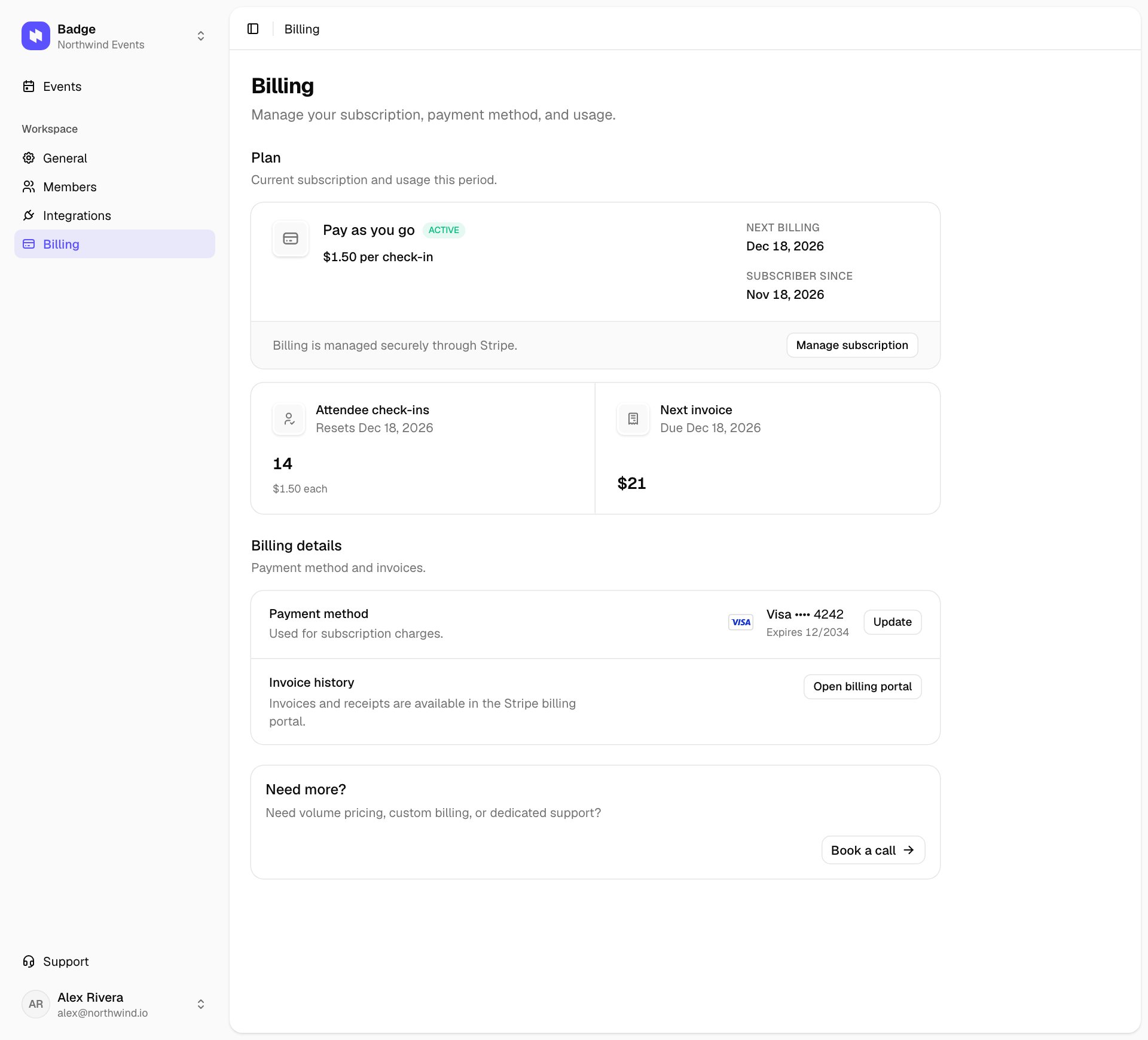
Workspace → Billing
Metered features
The Plan section always shows the live set of metered features for your workspace.
Reset cycle
The counter resets on your subscription anniversary, not on the 1st of the calendar month. If your subscription started on March 18, the counter rolls over on the 18th of every month. The cell shows the exact next reset date so you don’t have to track it.How the counter works
Attendee check-ins count when staff actually check people in. Importing a guest list doesn’t count. Each attendee counts once per event day, with days taken in the event’s time zone. Re-scanning the same badge, or canceling and redoing a check-in on the same day, leaves the number where it is. Checking the same person in on another day of a multi-day event counts again.Related
- Pricing. The rate and what it covers.
- Update payment method. The card your invoices go to.
- Cancel and undo. End the subscription, or reinstate it before the end date.
- QR scan check-in. Where the check-in count comes from.