

Sign-in screen
The screen ateventsbadge.com/login shows:
- Continue with Google. The button at the top.
- A divider labeled or continue with email.
- An email field followed by a Continue with email button.
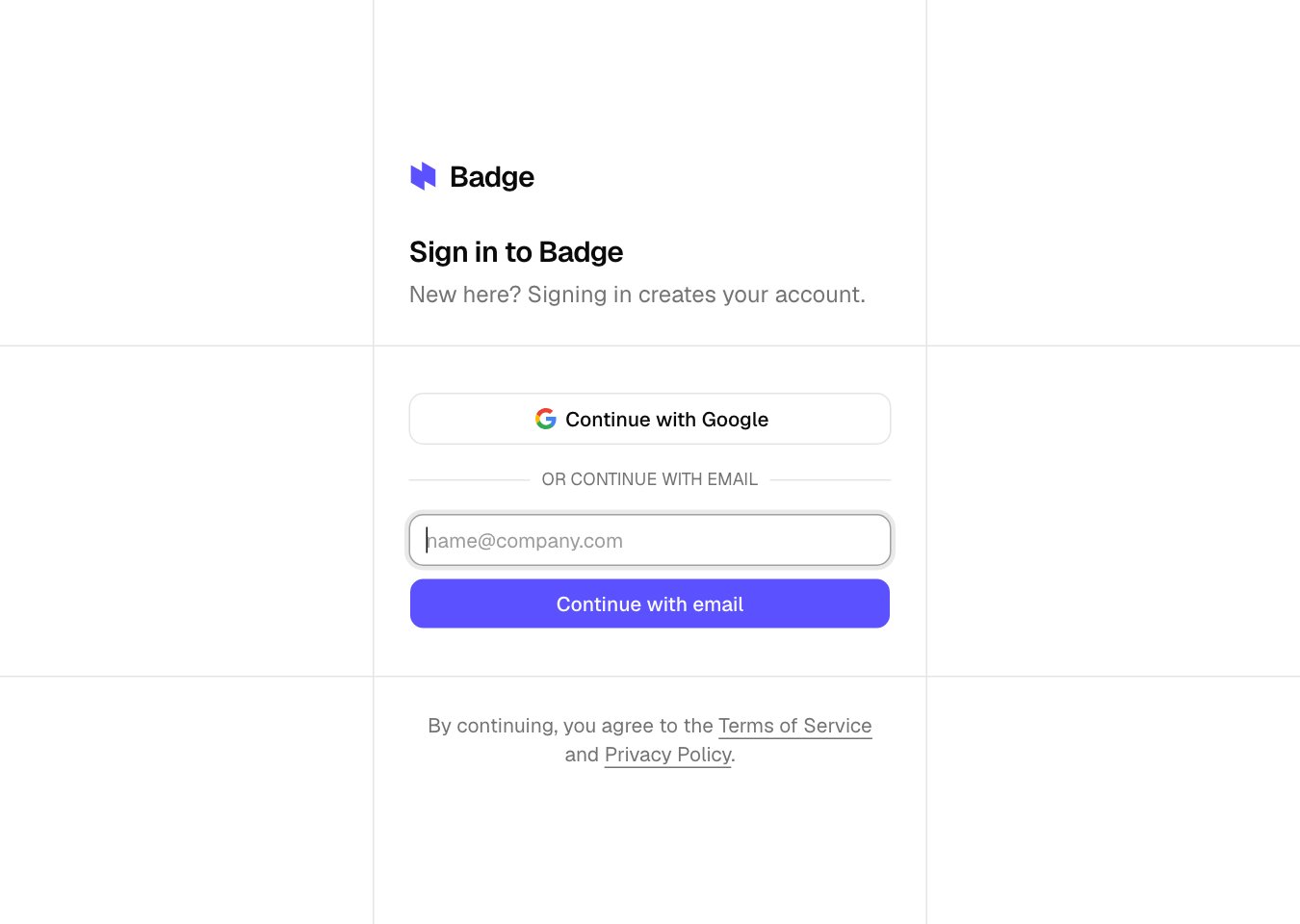
The sign-in screen
Email code
Type your email on/login and click Continue with email. Badge sends a 6-digit code, and the form changes to a 6-slot input for it. Verification happens as soon as the sixth digit lands, no submit button. First-time accounts land in onboarding. An account with one workspace lands in it, and an account with several picks one on the Select an organization screen.
- Single use. Each code becomes invalid the moment you verify.
- Resend. Click Resend if the code didn’t arrive. 60-second cooldown between resends.
- Invitations use the same flow. Opening a workspace invitation link routes through the same code step; the title reads “Accept invitation” instead of “Check your email”.
Continue with Google
Click Continue with Google on/login. Google opens its account picker, you pick the right account, and Google redirects you back signed in. The Google email is what Badge uses as your account email.
The first time, Google asks you to approve Badge’s access to basic profile info: name, email, profile picture. Once approved, your Google profile picture becomes your Badge avatar (see Profile).
Use the same email on both methods
The account is identified by email. If you signed up withyou@northwind.io by email code and later click Continue with Google with a Google account on the same you@northwind.io address, both methods sign you into the same Badge account.
If you have multiple Google accounts (you@gmail.com and you@northwind.io), pick the one that matches the email already in your Badge workspace. Signing in with a different Google email creates a separate account for that email. This is not a security concern; it is a separate identity.
Switch methods
Badge doesn’t lock you to one method. To switch, open the account menu at the bottom of the sidebar, choose Sign out, then sign back in with the other button on/login using the same email. Your last-used method is whatever you clicked last; there’s no preferred-method setting.
Accepting workspace invitations
An invitation link opens Badge and sends a 6-digit code to the invited address. Enter that code on the Accept invitation screen to join. If you’re already signed in with the invited email, the link adds the workspace right away.Related
- Profile. Where your name and avatar live after sign-in.
- Invite teammates. Admin side of the invitation flow.
- Delete your account. When you’re done with Badge.